Terminal-Based Workflow: Why Developers Save Money & Time with CLI Tools
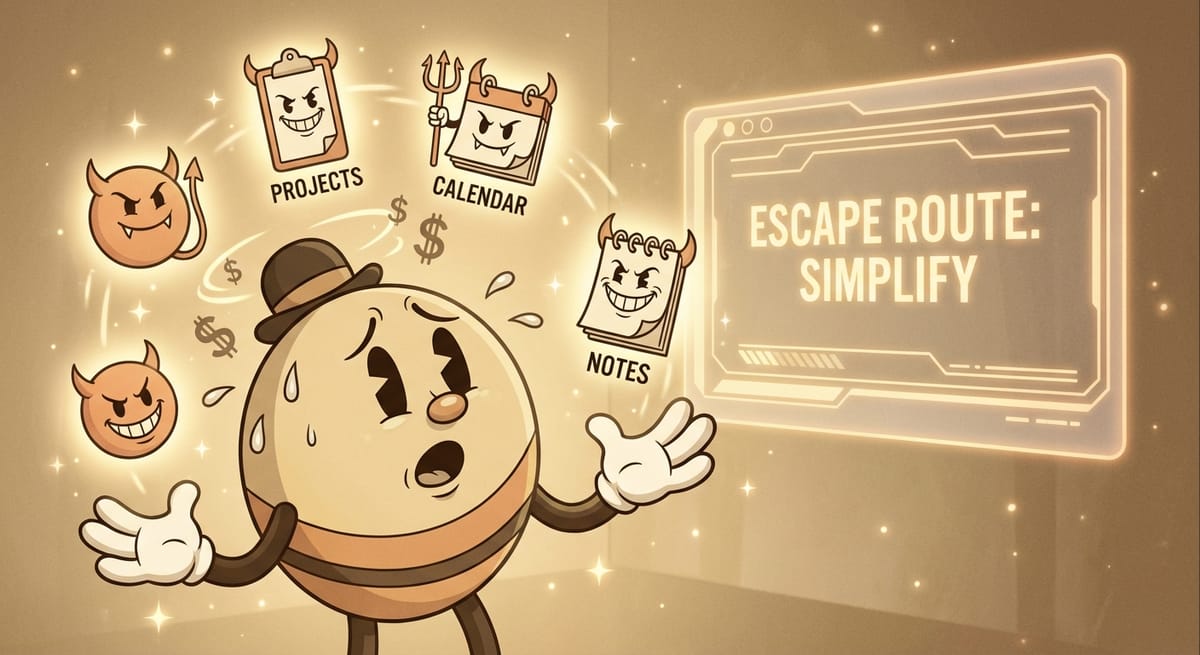
We live in a world of bloat. Every SaaS tool wants you to log in to their "beautiful" dashboard, click through five sub-menus, and wait for their JavaScript framework to load just to do one simple task.
They sell you "User Experience." What they are actually selling you is Friction.
For the modern builder, the Graphical User Interface (GUI) is often a liability. It is slow. It is mouse-dependent. It is expensive.
This is why the elite developers of 2026 are returning to the Terminal-Based Workflow. They aren't doing it to be hipsters. They are doing it because the Command Line Interface (CLI) is the only place where you can move at the speed of thought.
The Cost of the Click
Let’s do the math. Task: Create a new blog post.
The GUI Way (Ghost Admin Panel): 1. Open Chrome (2s) 2. Navigate to Ghost (3s) 3. Login (5s) 4. Click "Posts" -> "New Post" (2s) 5. Type title (2s) 6. Click "Publish" (2s) Total: ~16 seconds (plus context switching).
The CLI Way (Custom Script):
1. blog new "My Post" (2s)
Total: 2 seconds.
You might say, "It's only 14 seconds." But multiply that by 50 tasks a day. That is 12 minutes of pure, unadulterated waiting. Over a year, that is 50 hours—more than a full work week—spent just clicking buttons.
The "Pipe" Philosophy
The real power of the terminal isn't speed; it's Composability. In a GUI, if I want to take my Stripe data and send it to Slack, I need a third tool like Zapier. I need to pay $30/mo and set up a "Zap."
In the terminal, I just use a pipe (|).
stripe payments list | grep "failed" | slack-send
I just built a "Failed Payment Alert System" in one line of code. For free. The terminal allows you to chain small, single-purpose tools into complex workflows without needing a bloated "Enterprise Platform" to intermediate them.

Ghostware: The CLI-First Business
This is the philosophy behind Ghostware. We don't build dashboards unless we have to. We build CLIs. Our entire publishing pipeline, our research agents, our image generators—they are all triggered from the terminal.
Why? Because it keeps us: 1. Lean: We don't need frontend developers to maintain a UI. 2. Fast: We ship features in hours, not weeks. 3. Focused: We stay in the code editor, not the browser.
Conclusion: Reclaim Your Latency
The world wants you to be a consumer of interfaces. The Builder creates their own. If you find yourself clicking the same button three times a day, stop. Open your terminal. Write a script. Save the money. Save the time. Stay in the flow.
Frequently Asked Questions (FAQ)
Is the CLI only for programmers?
Historically, yes. But with modern AI tools like GitHub Copilot CLI or Warp, anyone can type natural language ("undo my last git commit") and get the correct command. The barrier to entry has never been lower.
Which terminal should I use?
If you are on Mac, iTerm2 or Warp are superior to the default terminal. On Windows, Windows Terminal (with WSL2) provides a full Linux environment.
How do I start learning?
Start with the basics: file navigation (cd, ls), file creation (touch, mkdir), and basic manipulation (grep, cat). Once you master these, you can navigate your computer faster than any mouse user.
WANT MY SCRIPTS?
I share my personal library of Bash and Python automation scripts inside the Builders Lab.
Join the Builders Lab for just $49.99/month.
The Fast-Action Bonus: The first 10 people to join will get a 1-1, 45-minute Strategic Planning or Debug Session with me.