Terminal Unlocked: Your First 3 Commands to AI Freedom

I wanted to share this with you because I've noticed a lot of people struggling with something I call 'The Browser Prison.'
You know the feeling. You're clicking through a web interface, copy-pasting code, and waiting for a UI to load while your AI 'forgets' the context of the conversation you had five minutes ago. It's frustrating, and more importantly, it's slowing you down.
I've been thinking about this problem, and I realized that the answer isn't another 'Top 10 AI Tools' list. It's a system.
That's why I put together this free course: Terminal Unlocked: Your First 3 Commands to AI Freedom.
What I've noticed is that once you move your AI workflows out of the browser and into the Terminal, everything changes. You're not just 'using' AI anymore; you're building with it.
The Browser Prison: What's Actually Happening
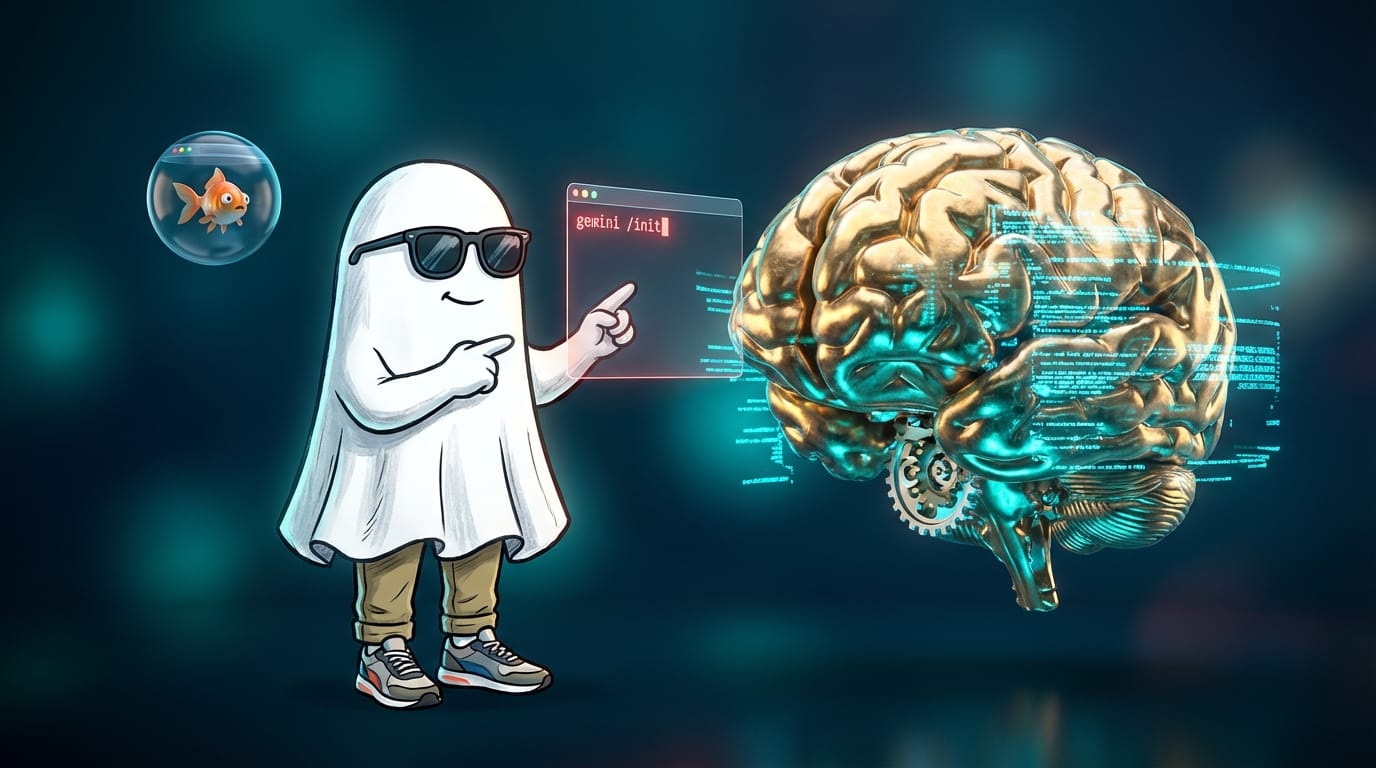
The fundamental issue is context fragmentation. When you're in a browser, your AI is essentially a goldfish. Every new tab or chat is a fresh start. But in the Terminal, we can create persistent context. We can show the AI our entire project structure, our style guides, and our goals in one go.
Click here to start the free course
Your First Command — Installing the Terminal
We start with the basics because they are the foundation. We'll get Node.js and the Gemini CLI installed. I'll show you how to use gemini /init to turn any folder into an AI-ready workspace. It's about setting up your environment for production, not just experimentation.
Your Second Command — Creating Persistent Context
This is where the magic happens. I'll show you how to build a powerful context file so your AI always knows who you are and what you're building. No more repeating your preferences every time you open a new chat.
Your Third Command — Deploying Your First Agent
Moving from prompts to agents is the biggest leap you'll take. We'll walk through the review loop that allows you to deploy code with confidence. You'll learn how to write prompts that don't just 'ask' for things, but 'instruct' agents to execute complex tasks.
What's Next — The CMD & Conquer Path
I wanted to share what you've already built and where it leads. The CMD & Conquer path is a 6-week cohort where we ship three real-world projects. You've already taken the first step by breaking free from the browser.

You might find this useful if you're tired of the 'copy-paste' nightmare and want to start building durable automation that actually scales.
Enroll in Terminal Unlocked for Free
If you're looking for a way to put these systems into practice without the usual trial and error, you might find the Builders Lab helpful. We provide the exact framework to help you create, track, and nurture your prospects. It's designed to be a complete system you can lean on.
Just start building.